Order your favorites. Earn points. Enjoy more rewards.
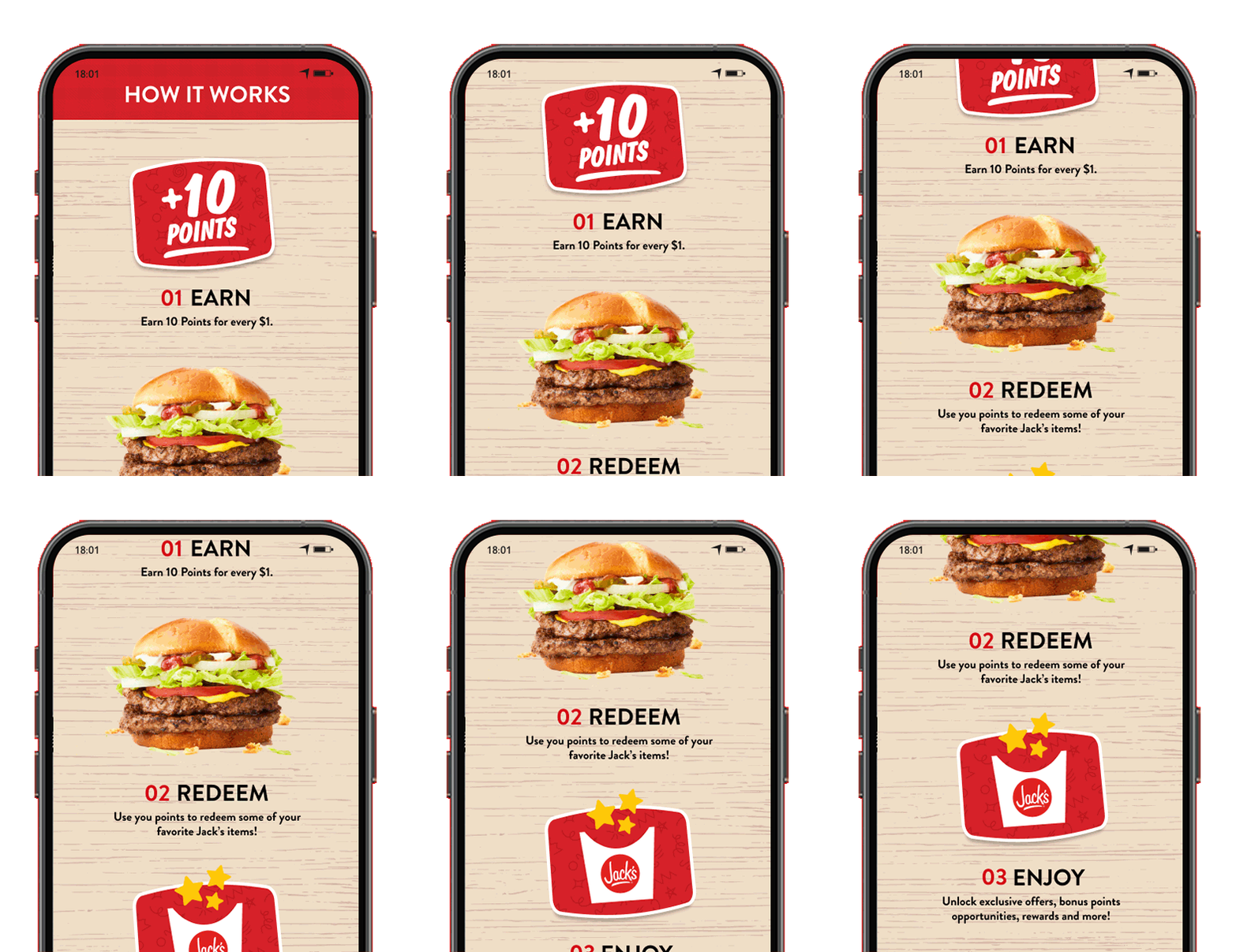
EARN. REDEEM. ENJOY.
Three easy steps to free food. Order the way you already do, collect points as you go, and cash them in for sandwiches, sides, shakes and more. Your next favorite is closer than you think.
One reward per visit. Points expire 6 months after they’re earned.
Earn
Earn 10 Points for every $1 spent.
Redeem
Use your points to redeem some of your favorite Jack’s items – starting at just 250 points!
Enjoy
Unlock exclusive offers, bonus points opportunities, rewards and more!
MORE BENEFITS YOU'LL LOVE
Order ahead, earn points, and unlock exclusive offers and rewards.
Sign up reward
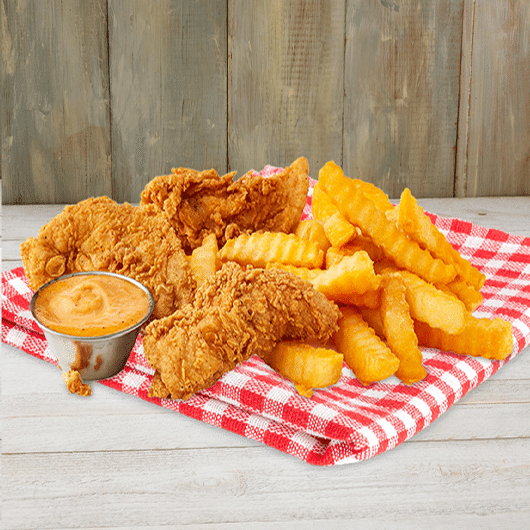
Free 3 pc Chicken Finger Snack.
Birthday reward
A free shake every year.
"Appiversary" reward
A free drink on your app anniversary.
Spread the Love reward
Refer a friend, get rewarded.
Be a Jack's Insider
Many more surprise offers and delights.
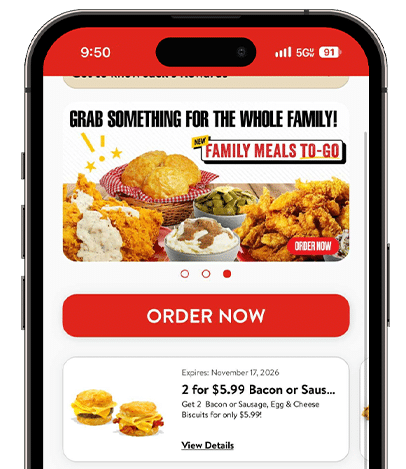
READY WHEN YOU'RE HUNGRY.
Order ahead, earn points, and unlock rewards, all in one app.
REWARDS AND CONVENIENCE, ALL IN ONE PLACE.
It’s now easier to order online!
Pick your Jack’s, build your order, and skip the line. Rewards work on every order.
Gift cards, built in.
Purchase gift cards for you or send to a friend!
Split the payment.
Sharing a meal? Split the bill between payment methods at checkout.
ENJOY DELICIOUS DEALS
Loyalty has never tasted so good! Sign up for Jack’s All About Rewards and get access to exclusive deals, tasty offers and even more of your Jack’s favorites.
Once it’s updated, open the app and sign in with the same email and password you’ve always used for All About Rewards®. Your points and rewards will be waiting for you.
New to Jack’s? Download the app and create your account in under a minute.
How do I earn and redeem points?
Earning points
Every qualifying order earns points, whether you order in the app, online, or in-store.
Open the All About Rewards® app and tap Earn at the bottom of the screen.
Scan the QR code at the register. If you forgot, tap Scan Barcode and scan the QR code printed on your receipt within 3 days.
On a computer? Log in here, go to Check-in, enter the alphanumeric code under the QR code on your receipt, and click Submit.
Redeeming rewards
Open the app and tap Rewards. Your available rewards are listed there.
At a Jack’s location, tap Redeem on the reward you want and scan your QR code at the register.
On a computer? Log in here, click Redeem to generate your redemption code, and share it with the Jack’s team when you order.
Ordering online? Sign in with your rewards account. At checkout, choose Rewards and check the box next to the reward you’d like to use.
One reward per visit.
How do I add and use a Jack’s gift card online?
At checkout, go to “Payment”, then “Add New Payment”. There will be an option to add a gift card. There you will enter your gift card information, then click “Add Gift Card”.
How do I scan a QR code on the receipt for reward points?
Please make sure you click on ‘Rewards’ at the bottom of the screen
Click ‘EARN’
Click ‘SCAN BARCODE’
Scan QR code on your receipt.
What is All About Rewards® App?
All About Rewards® is a points-based loyalty program designed to reward you. The more points you earn, the more rewards you get!
How does the App work?
Once you download All About Rewards® on your iOS or Android device, open the app and select the ‘Earn’ button (on the ‘Rewards’ screen). You can scan your QR code at the register or use the QR code found on your Jack’s receipt or take and scan it within the app to earn points for your purchase.
How do I earn points?
App: Open the All About Rewards® app and select the ‘Earn’ button. You will then need to scan the QR code that appears at the register OR you may click ‘Scan Barcode’ to scan the QR code that is printed out on your receipt. Earn 10 points for each $1 spent.
Desktop: Login here. You will then need to go to ‘Checkin’ and enter the alpha numeric code that is listed underneath your QR code and then click ‘Submit’.
Can I earn rewards on my online orders?
Yes, just make sure that you are signed into the loyalty account when placing an online or mobile order.
How do I redeem rewards?
App: Open the All About Rewards® app and select the ‘Redeem’ button. Your offers will be listed there when available. When you are present at a Jack’s location, press ‘Redeem’ on the offer you wish to claim and scan your QR code at the register.
Desktop: Login here. You will then need to click ‘Redeem” to generate your redemption code that will need to be shared with the Jack’s team at time of purchase.
How do I redeem rewards when ordering online?
Be sure you are signed into the online ordering site with your loyalty account login info. On the checkout page, you will see a ‘Rewards’ option where you can ‘check’ the box next to the applicable reward you wish to apply to your online order.
Only 2 receipts can be scanned within any 3 hour window noted by the time stamp on the receipt and not the time that the receipt was scanned.
What do I do if I forgot my password?
If you signed up for the app via Facebook or Apple, you will need to follow the Facebook or Apple password recovery steps. If you signed up with your email address, you will need to click ‘Reset Password’ on the login screen.
I redeemed a reward too early and now it’s expired. Did I lose the reward?
If a reward is activated, but never used, this reward will go back into your account until its expiration date.
When do points expire?
Points expire 6 months after being earned and unused.
READY WHEN YOU'RE HUNGRY
Order ahead, earn points, and unlock rewards, all in one app.